Portage
Move assets from an Unreal Engine project into Unity.
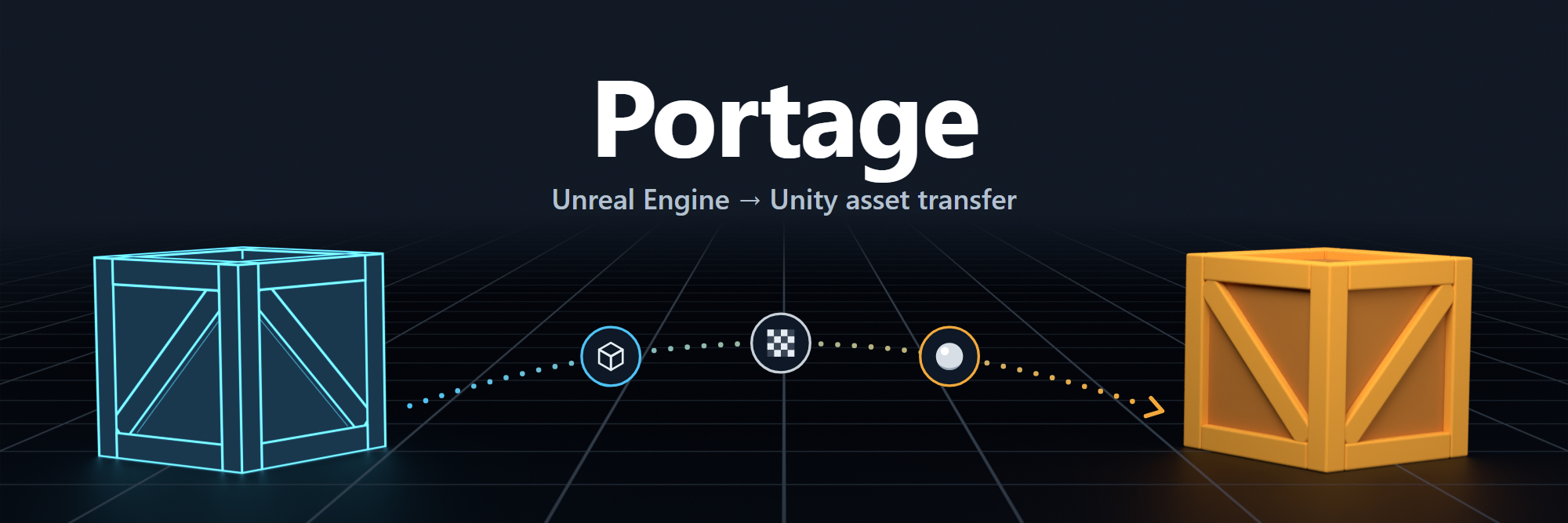
Portage exports static meshes from the Unreal Editor and rebuilds them in Unity with URP Lit materials: the mesh at the right size and orientation, its textures, and the parameters of its material instances.
Status: pre-alpha. Static meshes, textures and material instances work end to end and are covered by automated tests. It has only been tried on a handful of assets so far, so expect rough edges on real asset packs.
What gets transferred
| ✅ Static meshes | FBX, 1 Unreal metre = 1 Unity unit, no rotation or scale on the imported model |
| ✅ Textures | PNG, with the right color space; normal maps converted to Unity's convention |
| ✅ Material instances | Rebuilt as URP Lit materials from the instance's parameters, including packed ORM-style masks |
| Reported, not converted: their textures live inside the material graph | |
| ❌ Not supported | Blueprints, Niagara, complex material graphs, skeletal meshes and animations (planned), levels (planned) |
Materials are not baked. Portage reads the parameters a material exposes (textures, colors, numbers) and maps them to URP Lit inputs, so anything a master material computes in its graph (dirt layers, detail normals, tiling) is not reproduced.
Requirements
| Version | |
|---|---|
| Unreal Engine | 5.8 (tested on 5.8.3). Older 5.x versions may work but are untested. |
| Unity | 6.3 (6000.3) with the Universal Render Pipeline |
Portage works on projects opened in the Unreal Editor. Cooked .pak content is not supported.
Quick start
1. Export from Unreal
- Copy the
Unreal/Portagefolder into your Unreal project'sPluginsfolder and restart the editor. Nothing has to be compiled. - Select static meshes in the Content Browser.
- Choose Tools > Export Selected to Unity and pick an output folder.
2. Import into Unity
-
In the Package Manager choose Add package from git URL and enter:
https://github.com/schyro/Portage.git?path=/Unity -
Open Tools > Portage > Import... and pick the folder you exported to.
-
Check the Parameter mapping list and press Import.
Portage guesses which Unreal parameter is the base color, the normal map and so on. If a guess is wrong, change it in the list; your choice is remembered for that export folder.
More detail: Unreal exporter · Unity importer
How it works
Unreal Editor ──(exporter)──► export folder ──(importer)──► Unity project
                               ├─ manifest.json
                               ├─ Meshes/*.fbx
                               └─ Textures/*.png
- The exporter is a content-only Unreal plugin written in Python.
- The manifest records which mesh uses which material, what parameters each material has and how each texture must be interpreted. See Docs/manifest-format.md.
- The importer is a Unity package that reads the folder and builds the assets. Your mapping choices are stored next to the manifest; see Docs/mapping-format.md.
Roadmap
- LODs, collision and sockets.
- Skeletal meshes and animation sequences.
- Level placement as prefabs or scenes.
Content licensing
Portage is a tool. It does not give you any rights to the content you run it on.
- Use it only on content you are allowed to use outside Unreal Engine.
- Do not transfer content licensed for use in Unreal Engine only, such as legacy "UE-Only" content or Epic's sample content (Mannequin, Starter Content).
- Check the license of every asset before moving it. For Fab content see the Fab licenses.
This repository contains no Unreal Engine source code and no third-party assets, and contributions must keep it that way.