Spline Mesh Bender
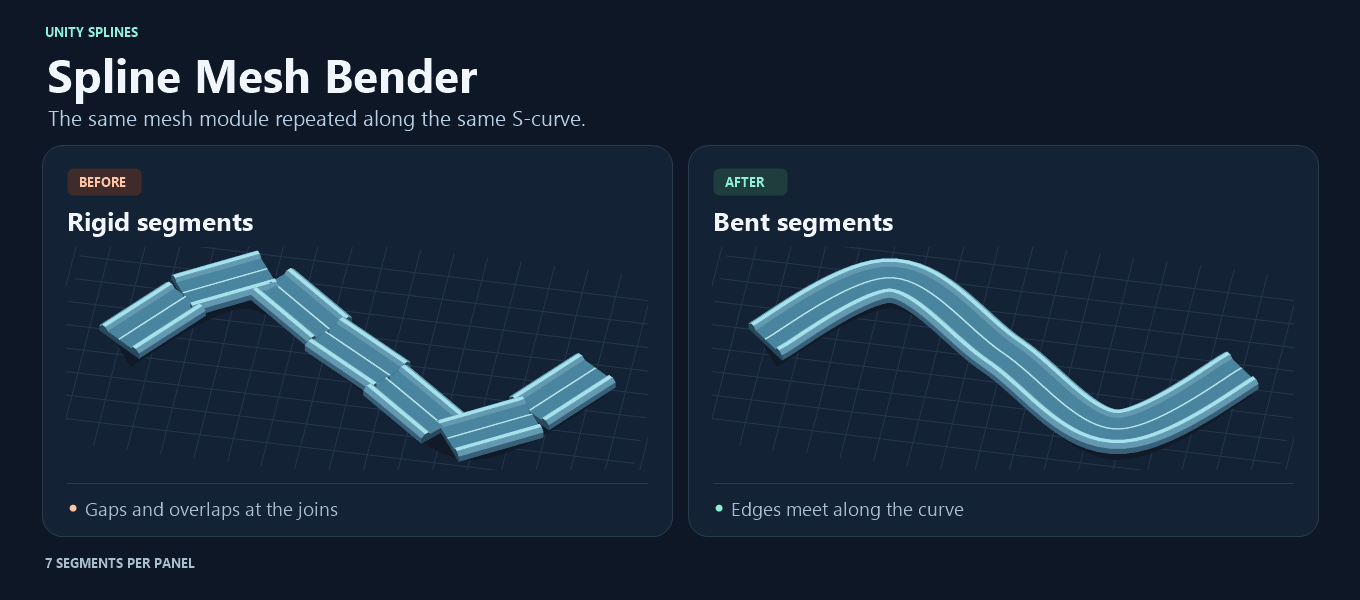
The Spline Mesh Bender component fills every spline on its GameObject's SplineContainer with copies of a source segment. It adjusts segment length so a whole number of copies fit the spline and combines the result into chunk meshes.
Install
In Unity 6.3, open Window > Package Management > Package Manager, choose Install package from git URL, and enter the following URL.
https://github.com/schyro/unity-spline-mesh-bender.git#v0.1.0
Set up a segment
- Add Splines > Spline Mesh Bender to a GameObject and draw a spline with at least two knots on its
SplineContainer. - Assign a model or prefab in Segment. The component uses the first
MeshFilterwith a mesh whose GameObject name does not start withCOL_. It copies the materials from theMeshRendereron that same object. - Model the segment along local +Z, with +Y up and X = 0 at the center. Apply transforms to the source mesh before export. The bender uses mesh vertices directly. Enable Read/Write on imported meshes and add subdivisions along Z where the mesh needs to follow tight curves.
- For collision, enable Generate Colliders and add a child named
COL_...with aMeshColliderand a readable triangle mesh. Use the same local coordinates and longitudinal bounds as the visual mesh.
The component rebuilds as you edit splines or Inspector settings. Offset shifts geometry in the bent frame. Segments Per Chunk sets how many copies share one mesh. Sample Step controls spline sampling in local units. The frame uses world up as its reference. Knot roll does not bank the result.
Generated objects and meshes are transient. At runtime, after changing the spline, call Rebuild() on the component to regenerate the output. The component type is Schyro.SplineMeshBender.SplineMeshBender.